
Pitch
Move the key up or down by up to an octave. The track keeps playing at the same speed.
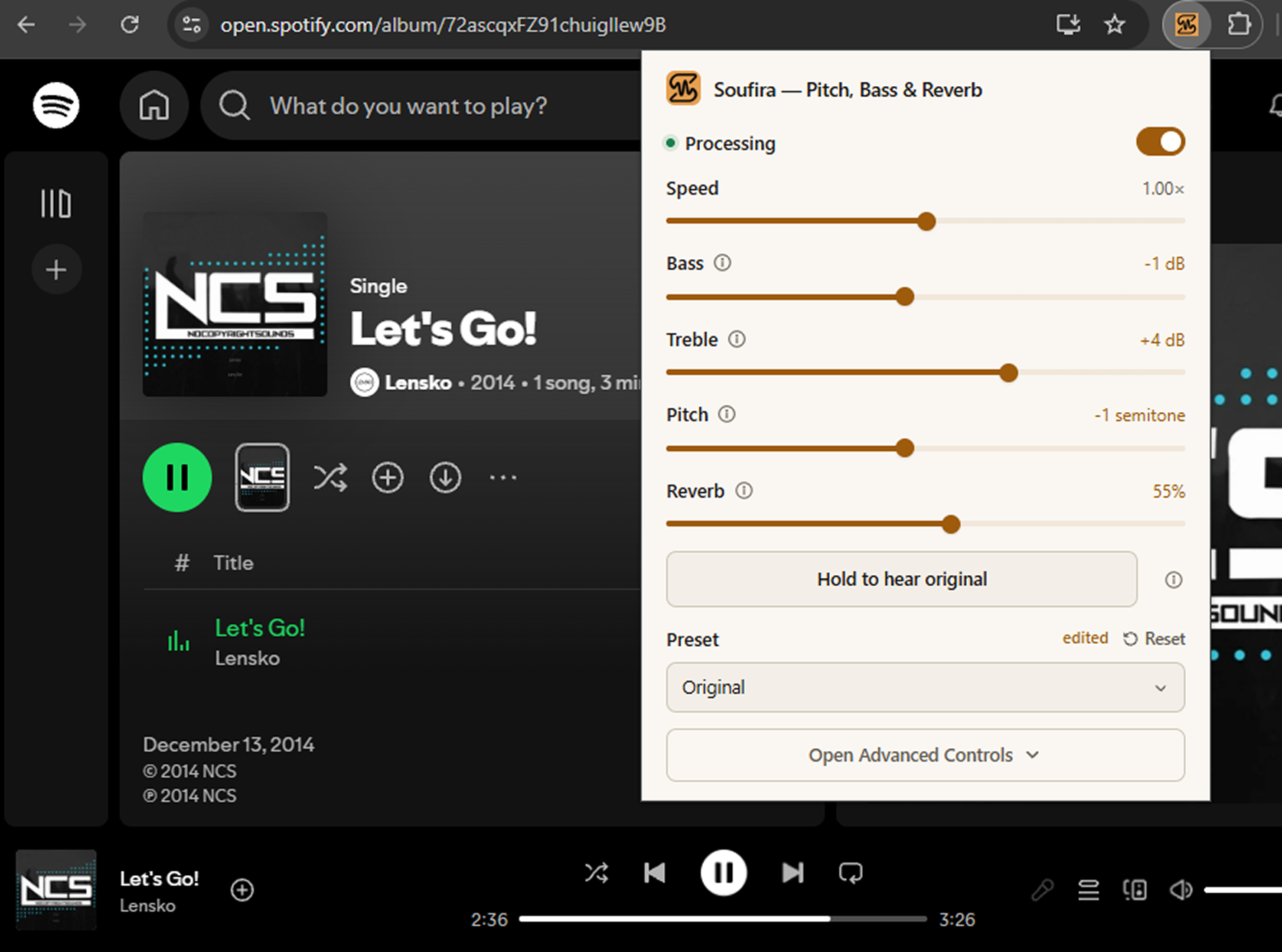
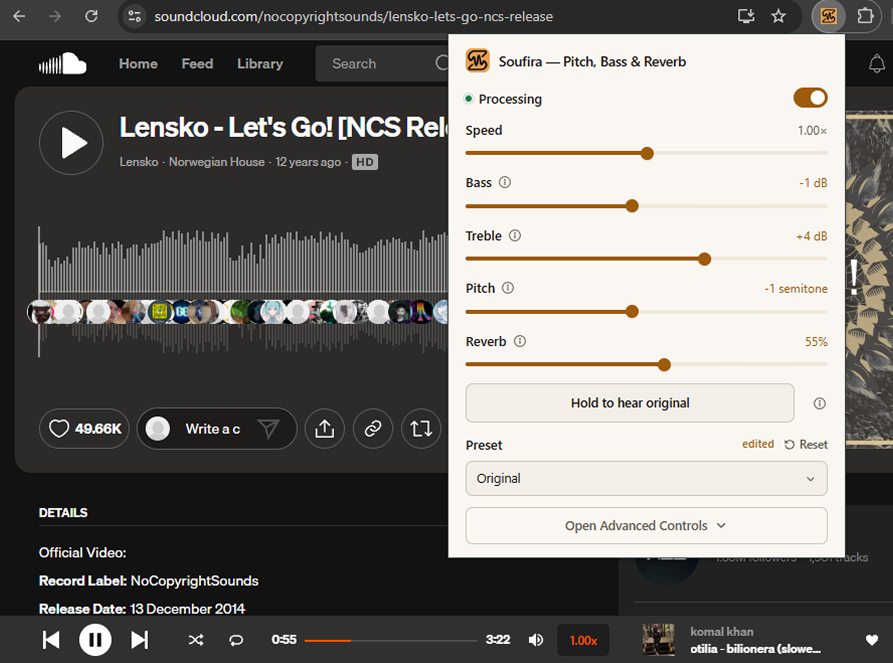
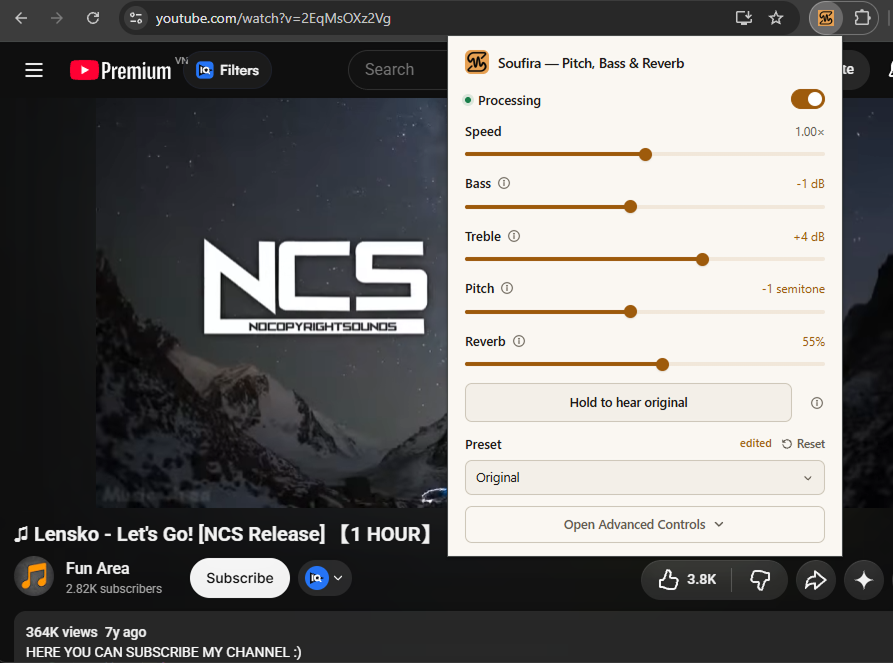
Pitch, bass, treble, speed and reverb — applied live while the track plays. Everything runs in your browser, so nothing is uploaded.
Free · No account needed · Audio never leaves your device
These are not presets with a label. Each control is a real part of the audio chain, adjustable while the track keeps playing.
Move the key up or down by up to an octave. The track keeps playing at the same speed.
Give the low end more weight, or pull it back when a mix sounds boomy. Up to ±16 dB.
Bring out clarity in speech, or soften harsh cymbals and hiss.
Slow down to 0.5× or speed up to 1.5×. The pitch stays where it is.
Add room, depth, or a long tail. At 0% the sound is exactly the original.
Pull the lead vocal back for karaoke, while the bass and kick stay where they are.
Install it from the Chrome Web Store. No account, no sign-up, and nothing to set up first.
Turn Processing on. Soufira takes the audio of that tab and plays it back through its own controls.
Move a control and hear the change immediately. Hold A/B whenever you want to check against the original.
Both are the same extension. The side panel opens from the popup, and your settings carry over.
Open it from the toolbar for the settings you reach for most: speed, bass, treble, pitch and reverb.
Every group in one panel — tone, stereo, time, effects and voice. It stays open while you move between tabs.
Every control is free, within limits. Pro removes them.
$0forever
Every control, with a few ceilings.
$2.99per month
For trying Pro without a long commitment.
$19.99per year
The one most people should pick.
$39.99one time
Pay once. Keep it.
Buy Now opens a secure payment form right here. You’ll sign in with Google first, so the upgrade lands on the right account. You can also upgrade from inside the extension.
Yes. Every audio control works without paying and without an account. Free has a few ceilings — up to 5 saved items, and narrower ranges on bass, treble, pitch, width and effects. Pro removes them.
No. You can install Soufira and use every control without signing in. An account is only needed for Pro.
No. Audio is processed inside your browser and never sent to a server. If you sign in, we store your Google profile, basic device details and the days you used Soufira — never audio.
Any website that plays audio. Speed is available on YouTube, SoundCloud, Spotify and TikTok; on other sites the Speed control is hidden.
Pitch shifting needs a short buffer, so while Pitch is on, the audio runs about 56 ms behind the picture. It is off by default, and the delay disappears when you set it back to 0.
Soufira captures the audio of the tab, so most player changes do not affect it. Speed is the exception: it sets the playback rate on the media element, and if a site changes how that works, we will have to fix it.
It is built as a Chrome extension, so other Chromium browsers that install Chrome extensions should work too. It is only listed on the Chrome Web Store today.
Install Soufira and try it on the next track you play.
Free · No account needed